
How to Publish Your Own Power BI Reports (And Make IT Happy)
You're new to Power BI.
You've created your first report.
You're super happy with it and want to share your great work with others.
But it's stuck on your computer, and only you can see it.
Now what? How do you share it with your boss and your peers — the very people who need this data to make the right calls?
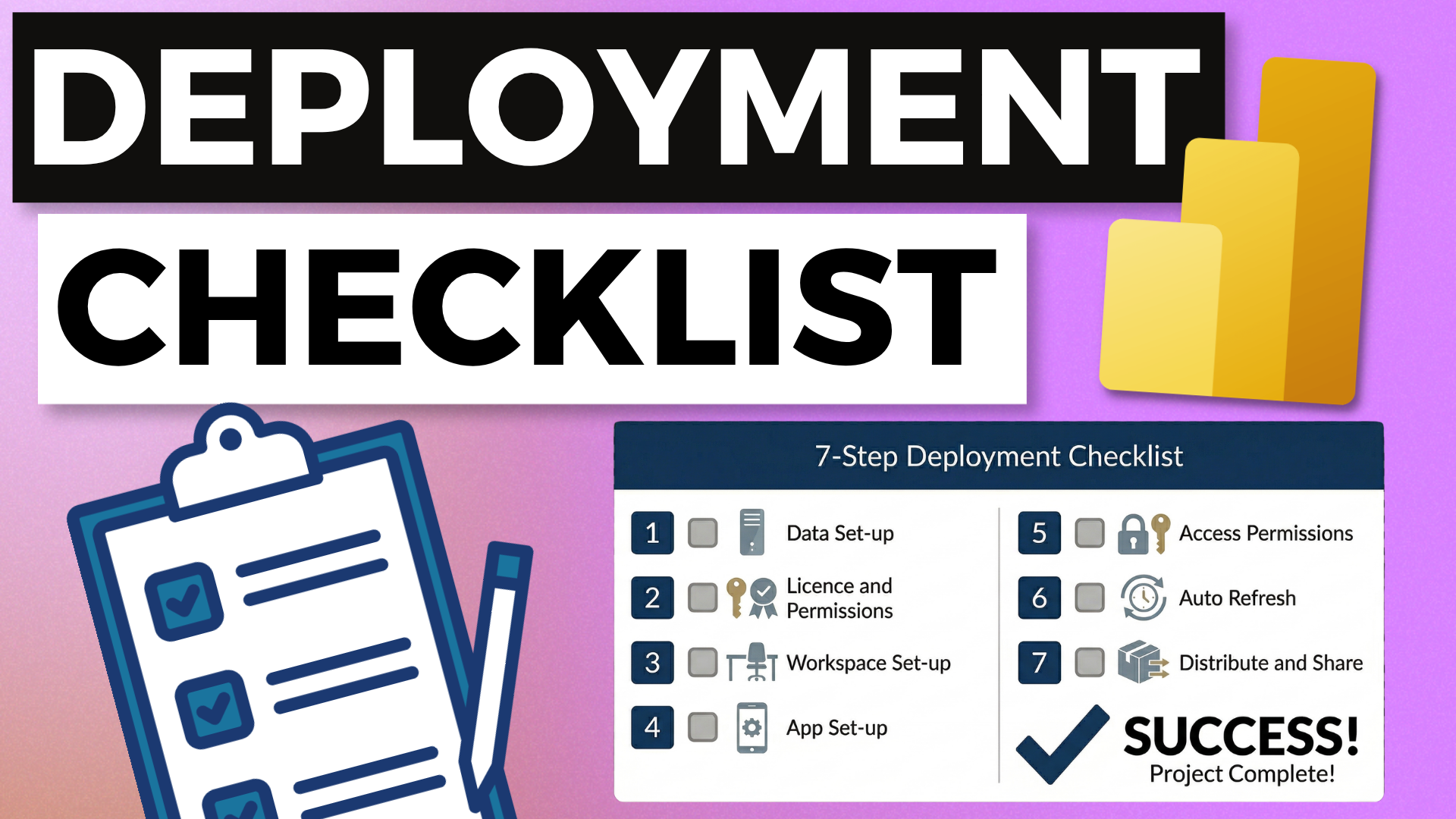
This is exactly what the 7 Step Power BI Report Deployment Fast Track addresses.
In this video, you'll learn:
- How to set up your data sources if you're using an Excel spreadsheet (like a lot of beginners are)
- Which permissions to request so you can publish reports on your own — without raising an IT ticket every time
- The pre-flight checklist that helps you catch common issues before your report goes live
- The 4-step republish process for pushing updates to existing reports
👉 YouTube video - How to Publish Your Own Power BI Reports (And Make IT Happy)
👉 Resources Download - 7 Step Power BI Report Deployment Fast Track - from Desktop to Deployed in Minutes
Free Power BI Course
Learn how to create your first Power BI Dashboard in Under 90 Minutes!