
Your Report Is Built. Now It's Just Sitting on Your Desktop.
Get it off your machine and in front of your maintenance team — without waiting on IT, without guesswork, and without figuring it all out from scratch every time.
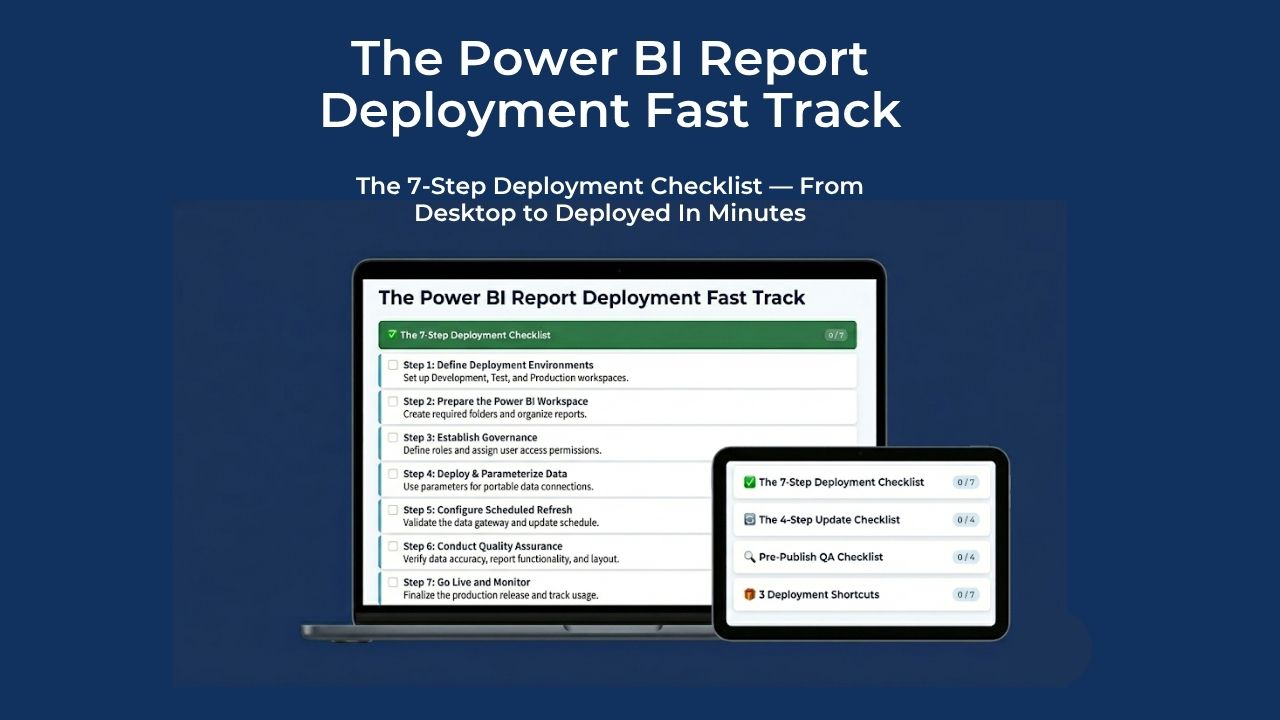
The 7-Step Deployment Checklist — From Desktop to Deployed In Minutes
Sound Familiar?
You spent hours building a report that could transform how your team tracks work orders, backlog, and equipment performance. It works. But getting it published means going through IT.
Raise a ticket. IT routes it. You send the file. They upload it and republish. You open it — and spot a misspelt header and a chart in the wrong colour. So you fix it, send the updated file, raise another ticket, and wait again.
This is The Publish Loop — and it's not an IT problem, it's a process problem. Needless, repetitive admin that interrupts your flow and turns a five-minute fix into a two-day exercise in patience. The Publish Loop is the villain — and it has nothing to do with your Power BI skill.
M&R professionals aren't in Power BI every day, so every deployment can feel like starting from zero — What was the SharePoint URL? Which workspace? Was it Update App or just Publish? .
Underneath all of it is a worry most people don't say out loud: that younger, more tech-savvy colleagues are going to outpace you. That you did the hard part — built the report — and still can't get it over the line without someone else's help. You don't need a degree in IT. You need a system.
It's Your Data. Your Report. Your Responsibility to Get It Right.
The moment you built that report, it became yours. Your data, your logic, your understanding of what the numbers mean. IT don't know if that chart colour is wrong — because it's not their report. Using a ticket system to manage every publish and every update isn't protecting anyone. It's just friction. The Publish Loop creates unnecessary work for both sides and means a five-minute fix takes two days.
Hi, I'm Jason. I've spent years helping M&R professionals build reports that actually get used. I've seen brilliant engineers build powerful dashboards that never left their laptops — not because the report wasn't good enough, but because nobody gave them a clear, repeatable path to publish it themselves.
That's why I built the Power BI Report Deployment Fast Track — a step-by-step system that gives you full ownership of your report from build to publish to update, without IT, without guesswork, and without piecing it together from memory every time.
The Deployment Fast Track
Phase 1 — Prep & Connect
Set up your SharePoint folder, redirect your data connection to the cloud, and get permissions sorted — without writing a single line of code.
Phase 2 — Publish & Configure
Publish to your workspace and set up an automated scheduled refresh so your data stays live without manual effort.
Phase 3 — Share & Distribute
Package your report into a Power BI App and get live maintenance data in front of the people who need it — so they can make decisions, not just ask for updates.
WHAT'S INSIDE
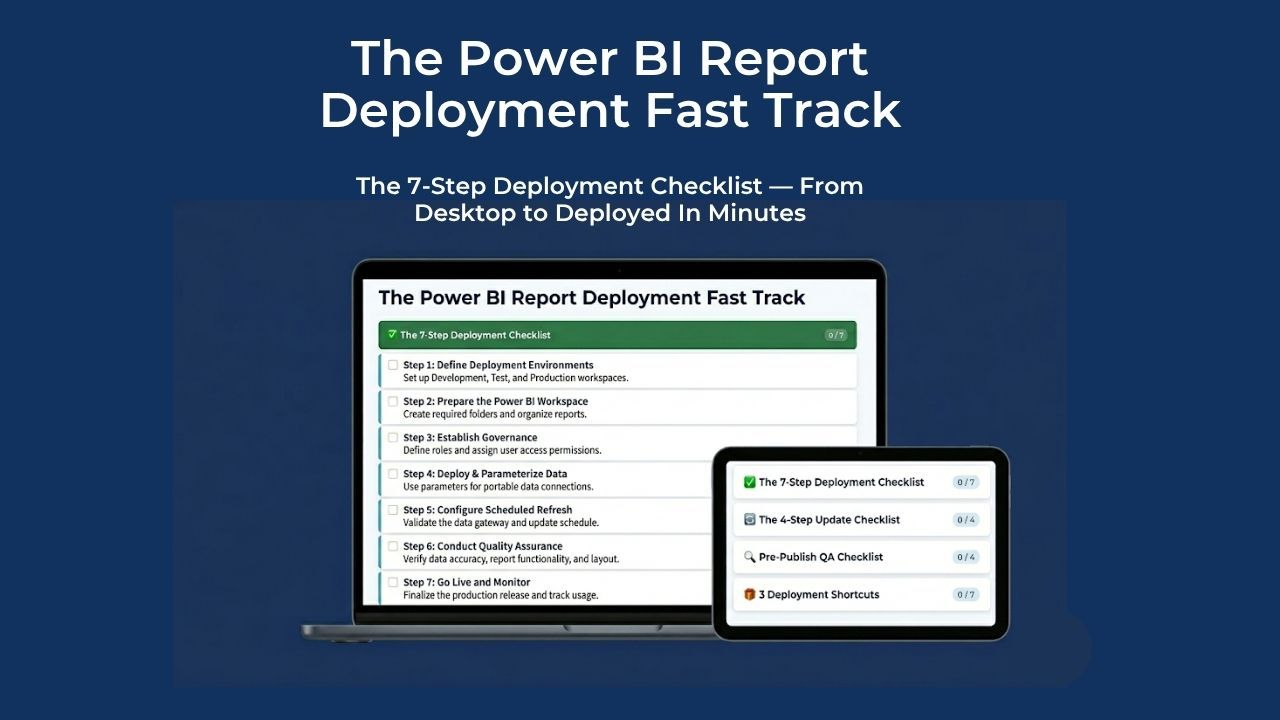
- 7-Step First-Time Deployment Checklist — a step-by-step action plan that takes your report from Power BI Desktop to live, auto-refreshing, and in front of your maintenance team. Every action across all three phases, in the right order, nothing left to memory.
- 4-Step Report Update Checklist — the exact sequence to push changes to a live report without breaking it for end users or accidentally creating duplicate files in your workspace.
- Pre-Publish QA Checklist — a final sweep across every visual, slicer, button, and data point before you hit Publish. Covers UI cleanup, default state, interactivity, and data accuracy — so nothing embarrassing makes it through to your live audience.
- Bonus 1: IT Permissions Email Templates — two ready-to-send emails that tell IT exactly what you need and why. One for accessing an existing workspace, one for requesting a new one. No back-and-forth, no delays.
- Bonus 2: Local-to-SharePoint M-Query Switch Guide — a step-by-step walkthrough for redirecting your data source from a local drive to SharePoint, including a ready-to-use AI prompt that rewrites your connection code in seconds. No coding knowledge required.
- Bonus 3: "Do Not Touch" ReadMe Template — a warning file you drop into your SharePoint data folder that tells colleagues exactly who to contact before touching anything — protecting your live report from accidental data refresh failures.
One-time payment. Instant access. Start deploying in the next hour.
Imagine This Time Next Week..."
Your report is live. Your team is making decisions based on actual data. Your manager asks how you got it published so fast.
But what's really happened is bigger than one report going live. You've become the person who can build something and get it in front of the people who need it — without waiting for permission, without IT, and without hesitation. That's how careers in M&R actually advance.
What Happens If Nothing Changes
While you're waiting on IT, or leaving a finished report on your laptop because you're not sure how to publish it — the work is still getting done. Just not by you.
Your expertise is undeniable. But if you can't get your data in front of the people who need it, the expertise stays invisible.
The Fast Track doesn't just get your report live. It makes sure your work gets seen.
Before You Decide
"I've done this before — I don't need it."
Then you know exactly how long it took to piece it together. The Fast Track means you never do that again.
"I'm not technical enough."
Every step is written for M&R professionals, not IT. The AI prompt in Bonus 2 handles the one technical step for you automatically.
"Is $15 worth it?"
If it saves one hour of back-and-forth with IT, it's already paid for itself ten times over.
And that's before you factor in every future deployment — Instead of an afternoon of frustration — searching old emails, piecing it back together from scratch, and feeling like you should remember this by now — you just pull up the checklist and work through it in minutes.