
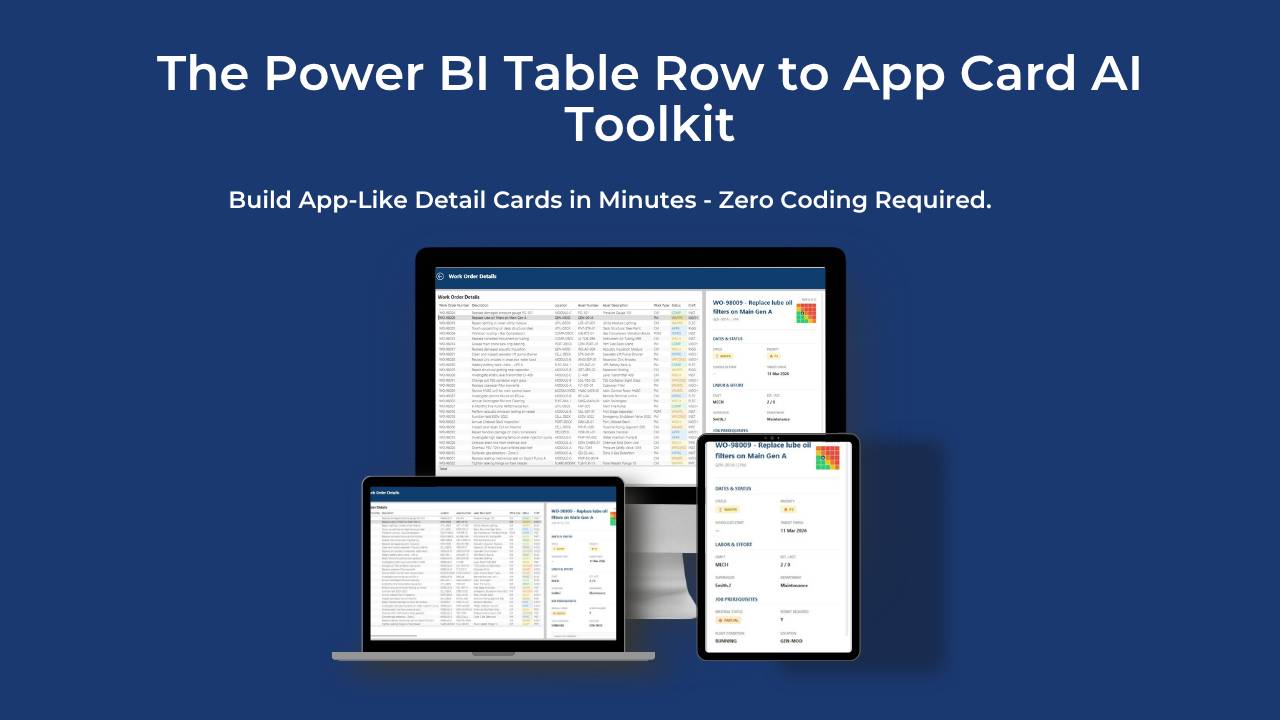
The Power BI Table Row to App Card AI Toolkit
Build App-Like Detail Cards in Minutes—Zero Coding Required.
What You Get Inside The Toolkit:
Get immediate access to the complete 4-step execution plan:
- The 4-Step Execution Guide: A clean, no-fluff walkthrough to generate, implement, and refine your HTML companion measure.
- Plug-and-Play AI Prompts: My tried and tested 11-step templates. Includes a ready-to-use prompt for Work Orders, plus a universal template for any dataset.
- The Follow-Along PBIX File: The exact Power BI file I use, so you can reverse-engineer the final result.
- The Sample Data: Clean CSV/Excel data to practice the workflow before touching your live reports.
Plus, 2 Exclusive Bonuses:
Bonus 1: The Done-For-You AI Assistant Templates: Instructions to build this exact 11-step process into a Custom GPT or Gemini Gem, giving you a dedicated coding assistant on standby.
Bonus 2a: AI Conditional Formatting Shortcut (5-Minute Video): Mismatched formatting ruins dashboards. Stop manually copying rules and learn a quick DAX Query View trick to instantly sync formatting between your table and your HTML card.
Bonus 2b: AI Conditional Formatting Checklist: The step-by-step written guide to perfectly execute the 5-minute video masterclass at your own pace.
Save hours of frustrating trial-and-error.
Get the complete toolkit and bonuses for just $15 and transform your tables in under 15 minutes.